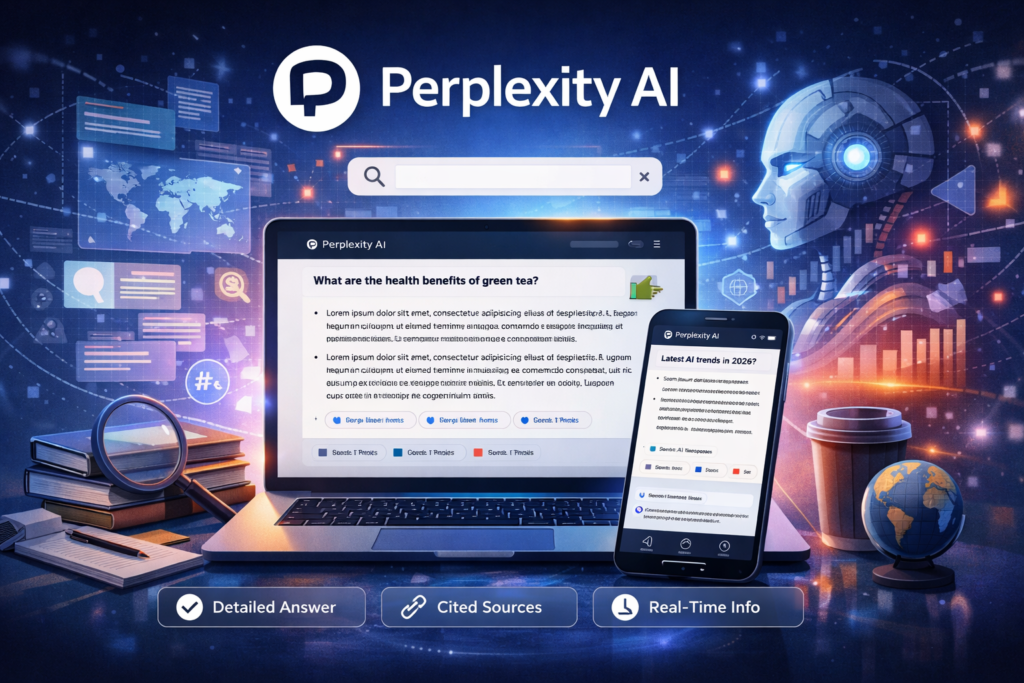
Perplexity helps you find clear answers in seconds instead of wasting time searching.
You’ve probably experienced this:
You search something on Google… open 5–10 tabs… skim articles… still feel unsure.
It’s slow. It’s messy. And honestly, it wastes a lot of time.
Traditional search engines give you links, not answers.
That’s where Perplexity AI changes everything.
Instead of forcing you to dig through pages, it gives you:
- Direct answers
- Verified sources
- Follow-up explanations
In this guide, you’ll learn exactly how to use Perplexity AI in real life—whether you’re a student, creator, or business owner.
What is Perplexity AI?
Perplexity AI is an AI-powered search engine that combines:
- ChatGPT-style responses
- Real-time web search
- Source citations
Simple Explanation
Instead of this:
Search → Click links → Read → Repeat
You get:
Ask → Get answer → See sources → Ask deeper
What Problem It Solves
- Information overload
- Low-quality search results
- Time wasted researching
How It Works (Simple)
- You ask a question
- AI searches the web instantly
- It summarizes the best answers
- Shows sources you can verify
Key Features (With Real Benefits)
1. AI-Powered Search with Sources
What it does: Gives direct answers + citations
Why it matters: You can trust and verify information
Example:
“Best marketing strategies for small business” → summarized + linked sources
2. Conversational Follow-Ups
What it does: Lets you ask deeper questions
Why it matters: No need to restart searches
Example:
- “Explain SEO”
- “Now simplify it for beginners”
- “Give examples”
3. Focus Modes (Academic, Writing, etc.)
What it does: Tailors answers to your goal
Why it matters: Better results instantly
4. Real-Time Information
What it does: Pulls current web data
Why it matters: Unlike some AI tools, it’s not outdated
5. File & Content Analysis (Pro Feature)
What it does: Upload PDFs or documents
Why it matters: Summarize reports, research papers fast
🪜 How to Use Perplexity AI (Step-by-Step)
Step 1: Sign Up
- Go to Perplexity AI website
- Create a free account
- Optional: upgrade later
Step 2: Ask Your First Question
Try this:
Explain how email marketing works for beginners
Step 3: Refine Your Prompt
Better prompt:
Explain email marketing in simple terms and give 3 real examples for small businesses
Step 4: Use Follow-Ups
Ask:
Give me a sample email campaign
Step 5: Check Sources
Always:
- Click citations
- Verify key info
Pro Tips for Better Results
- Be specific:
“marketing”
“Instagram marketing for local restaurants” - Use constraints:
“in 5 bullet points”
“for beginners” - Ask for formats:
“Give me a table”
“Step-by-step guide”
Common Beginner Mistakes
- Asking vague questions
- Ignoring sources
- Not using follow-ups
- Treating it like Google instead of a conversation
Real-Life Use Cases (Most Important Section)
1. Content Creation
Situation: You need a blog post idea
How to use it:
Give me 10 blog ideas about fitness for beginners with SEO keywords
Result:
- Ready-to-use ideas
- SEO-optimized suggestions
- Faster content planning
2. Business Productivity
Situation: You want to create a marketing plan
How to use it:
Create a simple 30-day marketing plan for a small online store
Result:
- Structured plan
- Actionable steps
- Saves hours of strategy work
3. Freelancers / Side Hustles
Situation: You need client proposals
How to use it:
Write a freelance proposal for a social media manager job
Result:
- Professional proposals
- Faster client acquisition
4. Students & Learning
Situation: You don’t understand a topic
How to use it:
Explain photosynthesis like I’m 12 years old
Result:
- Easy explanations
- Faster learning
- Verified sources
5. Advanced Research
Situation: Deep research topic
How to use it:
Compare remote work productivity studies with sources
Result:
- Structured insights
- Referenced research
- Faster analysis
Example Outputs / Results
Before vs After Using Perplexity AI
| Task | Without AI | With Perplexity AI |
|---|---|---|
| Research topic | 30–60 mins | 5–10 mins |
| Blog outline | Manual brainstorming | Instant structured outline |
| Learning concept | Multiple sources | Simplified explanation |
| Data verification | Difficult | Built-in citations |
Example Output
Prompt:
Create a simple business plan for a coffee shop
Output (Simplified):
- Target audience
- Pricing strategy
- Marketing plan
- Startup costs
Ready to use immediately
Pricing (Simple & Clear)
Free Plan
- Basic AI search
- Limited advanced features
Pro Plan (Paid)
- Faster responses
- Better AI models
- File uploads
- More queries
Is It Worth It?
Yes, if you:
- Do frequent research
- Create content
- Need productivity boost
Pros and Cons
Pros
- Accurate answers with sources
- Easy to use
- Saves massive time
- Great for learning & research
Cons
- Some features locked behind paywall
- Not always 100% accurate
- Can still require verification
Who Should Use This Tool?
Best For:
- Beginners → easy learning
- Content creators → faster ideas
- Entrepreneurs → planning & research
- Students → study help
Not Ideal For:
- People who want fully automated work without review
- Highly technical research requiring deep expertise
Advanced Tips & Smart Ways to Use AI
Power-User Workflows
1. Research → Content Pipeline
- Use Perplexity → gather info
- Turn into blog → publish
2. Combine with Other Tools
- Perplexity → research
- ChatGPT → writing
- Notion → organize
3. Prompt Strategy
Use this formula:
Context + Task + Format
Example:
You are a marketing expert. Create a 7-day Instagram content plan in a table format.
Time-Saving Hack
Ask:
Summarize this topic in 5 bullet points with examples
Final Verdict
Perplexity AI is one of the best tools for research and learning today.
Best for:
- Fast, reliable answers
- Content research
- Learning new topics
It won’t replace human thinking—but it will amplify your productivity massively.
FAQ Section
1. Is Perplexity AI free?
Yes, there’s a free plan with optional paid upgrades.
2. Is it easy to use?
Very easy—just type questions like chatting.
3. Can it replace Google?
Not completely—but it’s much faster for answers.
4. Is it accurate?
Mostly, but always verify sources.
5. Is it safe to use?
Yes, but avoid sharing sensitive information.
Call to Action
Now it’s your turn:
– Go try Perplexity AI
– Test one real use case from this guide
– Compare your workflow before and after
You’ll quickly see how much time you can save.